Secure, fast, and reliable token-based authentication for Discord and Twitter. Switch between accounts effortlessly with our Chrome extension.
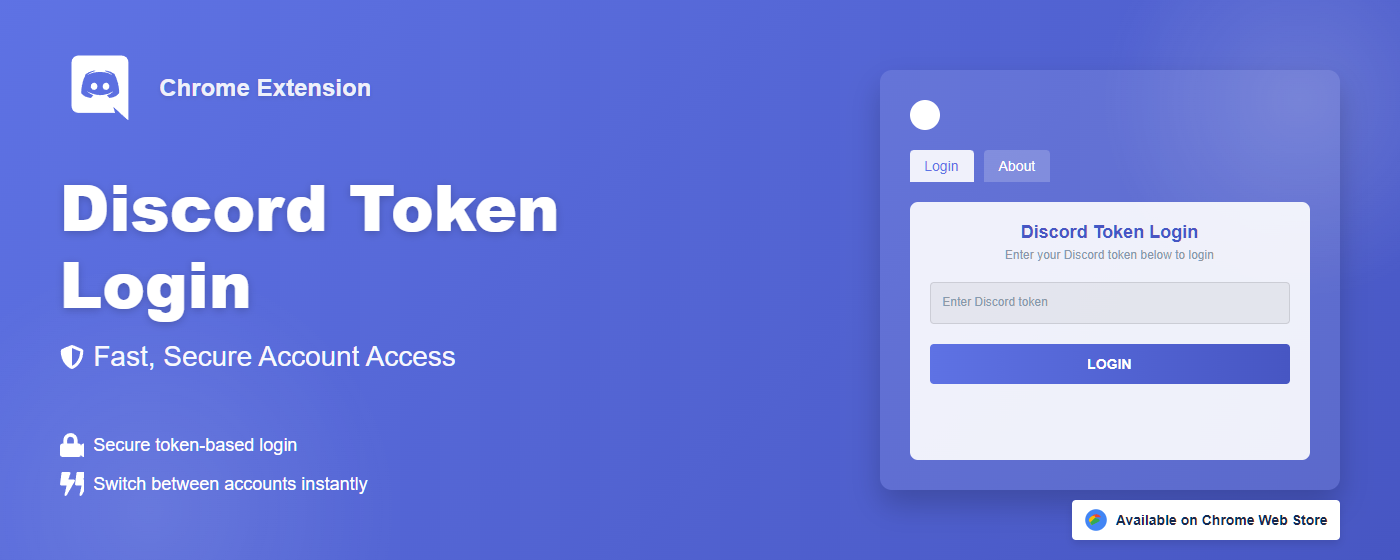
Designed with simplicity and security in mind, our extension offers everything you need for efficient account management.
Log in to Discord and Twitter with your authentication tokens without storing passwords. Perfect for quick account switching and API testing.
Your security is our priority. All Discord and Twitter tokens are stored locally on your device and are never transmitted to any external servers.
Switch between multiple Discord and Twitter accounts in seconds without the hassle of typing usernames and passwords repeatedly.
The extension intelligently detects existing Discord and Twitter tabs and updates them rather than creating new ones.
Enjoy a modern, intuitive interface with a clean light theme and elegant gradients that makes token management a pleasure.
The extension is fully open-source, allowing for community contributions and code verification for maximum transparency.
Using Discord & Twitter Token Login is straightforward and efficient, designed to save you time and effort.
Add Discord & Twitter Token Login to your Chrome browser through the Web Store.
Get your Discord and Twitter authentication tokens from your accounts.
Click the extension icon and enter your tokens in the secure input fields.
Click Login and instantly access your Discord and Twitter accounts.
We've designed Discord & Twitter Token Login with privacy and security as the foundation. Our commitment to protecting your data goes beyond just words.
We don't collect any user data whatsoever. What happens in your browser, stays in your browser.
Your Discord and Twitter tokens are stored locally on your device and are never transmitted to any external servers.
We only request the browser permissions that are absolutely necessary for the extension to function.
Our code is open for review, ensuring transparency and allowing the community to verify our security practices.
Find answers to the most common questions about Discord & Twitter Token Login.
Yes, token login is safe when used responsibly. Your token provides access to your account, so you should never share it with anyone. Our extension ensures your token is stored only locally on your device and is never transmitted to any external servers.
You can find your Discord token by opening Discord in your browser, pressing F12 to open Developer Tools, navigating to the Application tab, selecting Local Storage, and looking for the token key. Always handle your token with care and never share it with others.
Currently, Discord Token Login is only available as a Chrome extension for desktop browsers. It is not compatible with mobile devices or mobile browsers. We may consider developing mobile solutions in the future.
No, Discord & Twitter Token Login is an independent project and is not affiliated with, endorsed by, or connected to Discord Inc. or Twitter Inc. (X Corp.) in any way. All Discord and Twitter logos and trademarks are the property of their respective companies.
If you forget your tokens, you'll need to log in to Discord and Twitter using your email and password, then retrieve your tokens again. The extension doesn't store your tokens between sessions for security reasons, unless you explicitly save them.
Join thousands of developers and power users who trust Discord & Twitter Token Login for fast, secure access to their accounts.
